




What is the horizontal and vertical resolution of a 2.5 Inch Graphic LCD?
 Nov 12, 2025|
 When it comes to 2.5 - Inch Graphic LCDs, understanding the horizontal and vertical resolution is crucial for both suppliers and customers. As a supplier of 2.5 - Inch Graphic LCDs, I've witnessed firsthand the importance of these technical specifications in various applications.
The Basics of Resolution
Resolution in a graphic LCD refers to the number of distinct pixels that can be displayed in each dimension, namely horizontal and vertical. It is typically expressed as the number of pixels horizontally by the number of pixels vertically. For example, a resolution of 320x240 means there are 320 pixels horizontally and 240 pixels vertically on the screen.
The horizontal resolution determines the number of columns of pixels across the width of the display. A higher horizontal resolution allows for more detailed and wider images or text to be displayed. For instance, in a device where a wide graph or a landscape - oriented image needs to be shown, a higher horizontal resolution will ensure that the details are clear and not distorted.
On the other hand, the vertical resolution represents the number of rows of pixels from the top to the bottom of the display. It is essential for applications where vertical elements such as tall charts, long lists, or portrait - oriented images are involved. A higher vertical resolution means that more content can be shown without the need for excessive scrolling.
Resolution in 2.5 - Inch Graphic LCDs
In the case of 2.5 - Inch Graphic LCDs, common resolutions include 240x320 (QVGA - Quarter Video Graphics Array), which is a popular choice due to its balance between detail and resource requirements. This resolution is suitable for a wide range of applications, from small handheld devices to industrial control panels.
Another possible resolution is 160x128. This lower - resolution option is often used in applications where cost is a major factor or where the display requirements are relatively simple. For example, in some basic measurement devices or small - scale monitoring systems, a 160x128 resolution may be sufficient to display the necessary information.
Impact of Resolution on Image Quality
The resolution of a 2.5 - Inch Graphic LCD has a direct impact on the image quality. A higher resolution generally results in sharper and more detailed images. When the number of pixels is increased, the individual pixels become smaller, and the overall image appears smoother. This is particularly important in applications where visual clarity is essential, such as in medical devices or high - end consumer electronics.
However, a higher resolution also means that more data needs to be processed and transmitted to the display. This can put a strain on the system's resources, including the microcontroller or graphics processor. Therefore, when choosing a resolution for a 2.5 - Inch Graphic LCD, it is necessary to consider the capabilities of the associated hardware.
Applications and Resolution Requirements
Different applications have different resolution requirements. Let's take a look at some common applications and the appropriate resolutions for 2.5 - Inch Graphic LCDs.
Small Electronic Scale
For a LCD Screen Module for Small Electronic Scale, a relatively low - to - medium resolution may be sufficient. Since the main function of the display is to show the weight measurement, a simple and clear display is needed. A resolution like 160x128 can provide enough space to display the numerical value along with some basic unit information.

Fitness Equipment - Treadmill
In the case of a LCD Screen Module for Treadmill, a higher resolution may be required. Treadmills often display a variety of information, such as speed, distance, time, and heart rate. A 240x320 resolution can present this data in a more organized and detailed manner, allowing the user to easily read and monitor their workout progress.
Character - Based Displays
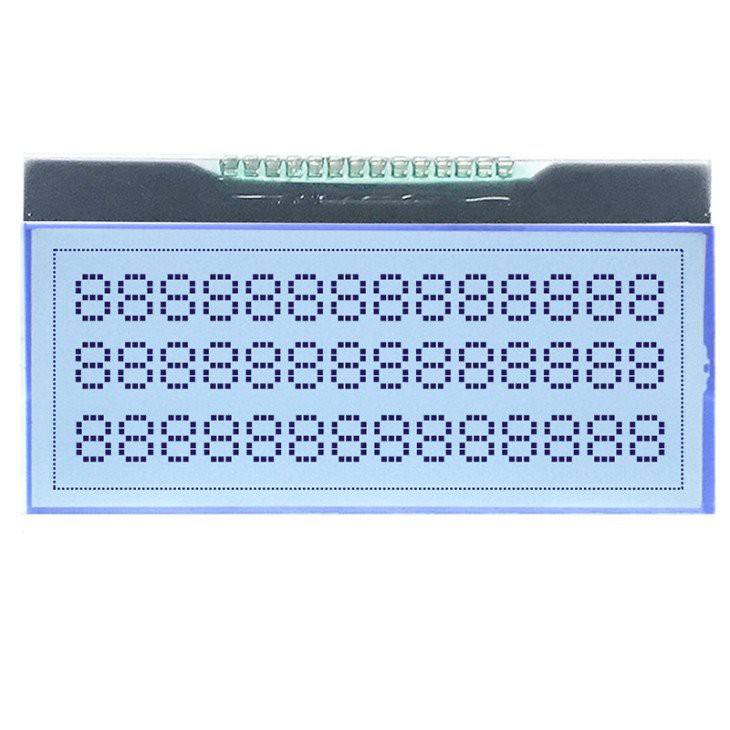
For Blue Background Character LCD Display, the resolution requirements depend on the amount of text to be displayed. If only a few lines of text are needed, a lower resolution may work. But if there are multiple lines of text or complex character patterns, a higher resolution will ensure better readability.
Choosing the Right Resolution for Your Project
When selecting the resolution for a 2.5 - Inch Graphic LCD for your project, several factors should be considered.
First, think about the content that will be displayed. If it is mainly numerical data or simple text, a lower resolution may be adequate. However, if you need to display images, graphs, or complex visual information, a higher resolution is recommended.
Second, consider the hardware capabilities. Make sure that the microcontroller or graphics processor can handle the data transfer and processing requirements of the chosen resolution. Otherwise, you may experience slow performance or even system crashes.
Finally, cost is also an important factor. Higher - resolution displays generally cost more, so you need to balance the need for high - quality visuals with your budget constraints.
Conclusion
Understanding the horizontal and vertical resolution of a 2.5 - Inch Graphic LCD is essential for making informed decisions in various applications. As a supplier, I am committed to providing high - quality 2.5 - Inch Graphic LCDs with different resolutions to meet the diverse needs of our customers. Whether you are working on a small - scale project or a large - scale industrial application, we can help you choose the right resolution for your specific requirements.
If you are interested in purchasing 2.5 - Inch Graphic LCDs or have any questions about resolution and other technical specifications, please feel free to contact us for a detailed discussion. We look forward to working with you to find the best solution for your project.
References
- LCD Display Technology Handbook
- Graphics and Display Systems Design Guide